
Report viewer
The Report viewer is what you see when you click into a single report from the Reports list. It rolls up all the test runs the report covers into one analytical view.
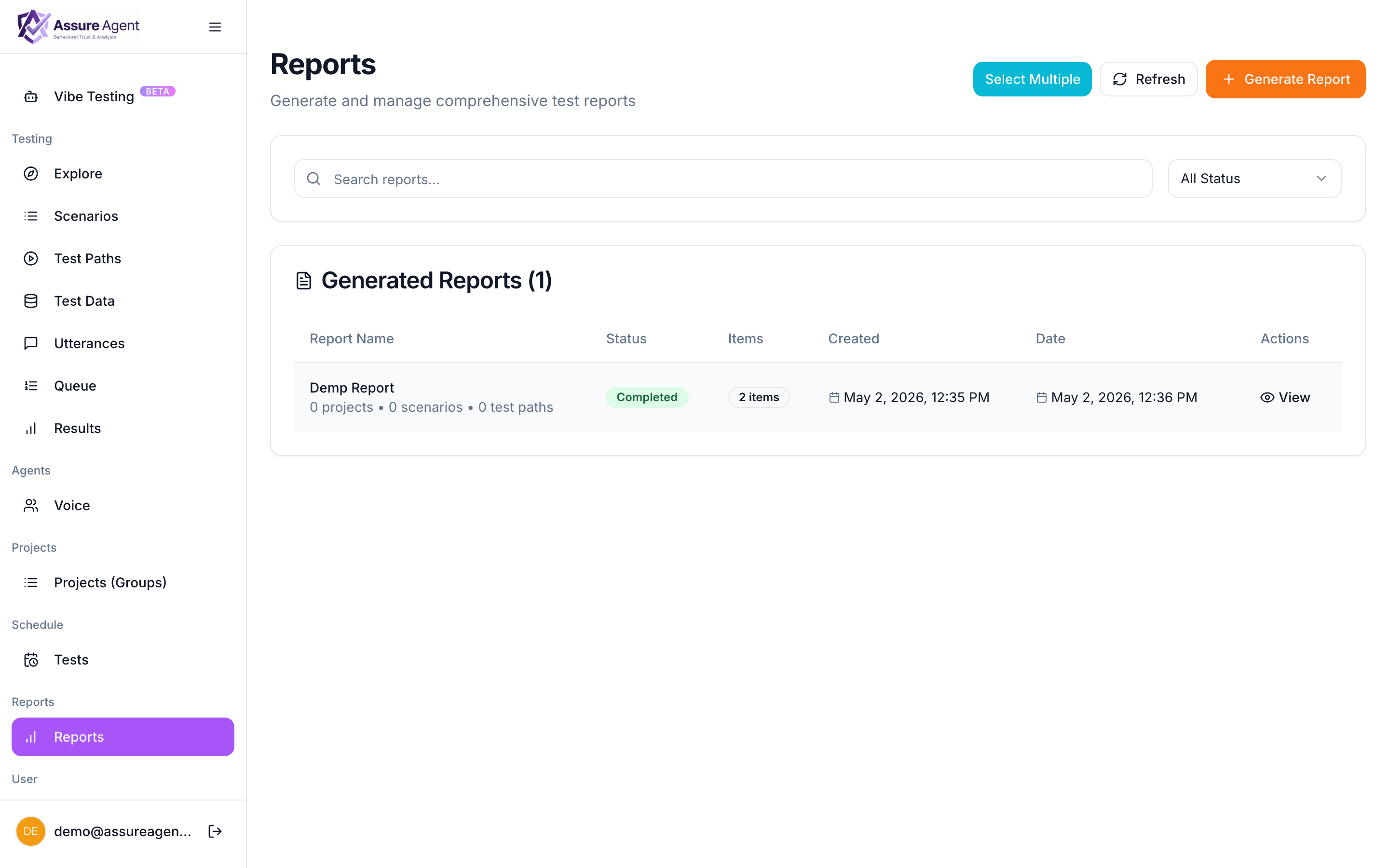
What’s on the page
- Header — name, date range, count of scenarios + runs included, computed-at timestamp.
- Pass-rate summary — overall and broken down by scenario / label.
- Trend chart — pass rate over time across the report’s date range.
- Run table — every run included, sortable by status / duration / pass / scenario. Click any row to open View result for that single run.
- Regression callouts — paths that flipped from passing to failing inside the date range.
- Latency breakdown — slowest paths, slowest turns, latency-vs-time chart.
Sharing
Click Share to generate a tokenized public link. Same model as a single-run share — the recipient sees the read-only viewer at a path like https://app.assureagent.ai/shared/report/<token> with no AssureAgent account required. Sharing reports →
Re-generating
Reports are immutable snapshots. To get a fresh view with newer runs included, regenerate from the same configuration — both versions stay listed so you can compare.
Single result vs report
| Need | Open |
|---|---|
| Listen to a specific call, read its transcript | View result |
| See pass-rate trend across all of last week | This page |
| Find which paths regressed today | This page |
| Share evidence of one specific call | View result → Share |
| Share a weekly summary with stakeholders | This page → Share |