
Provision a phone number
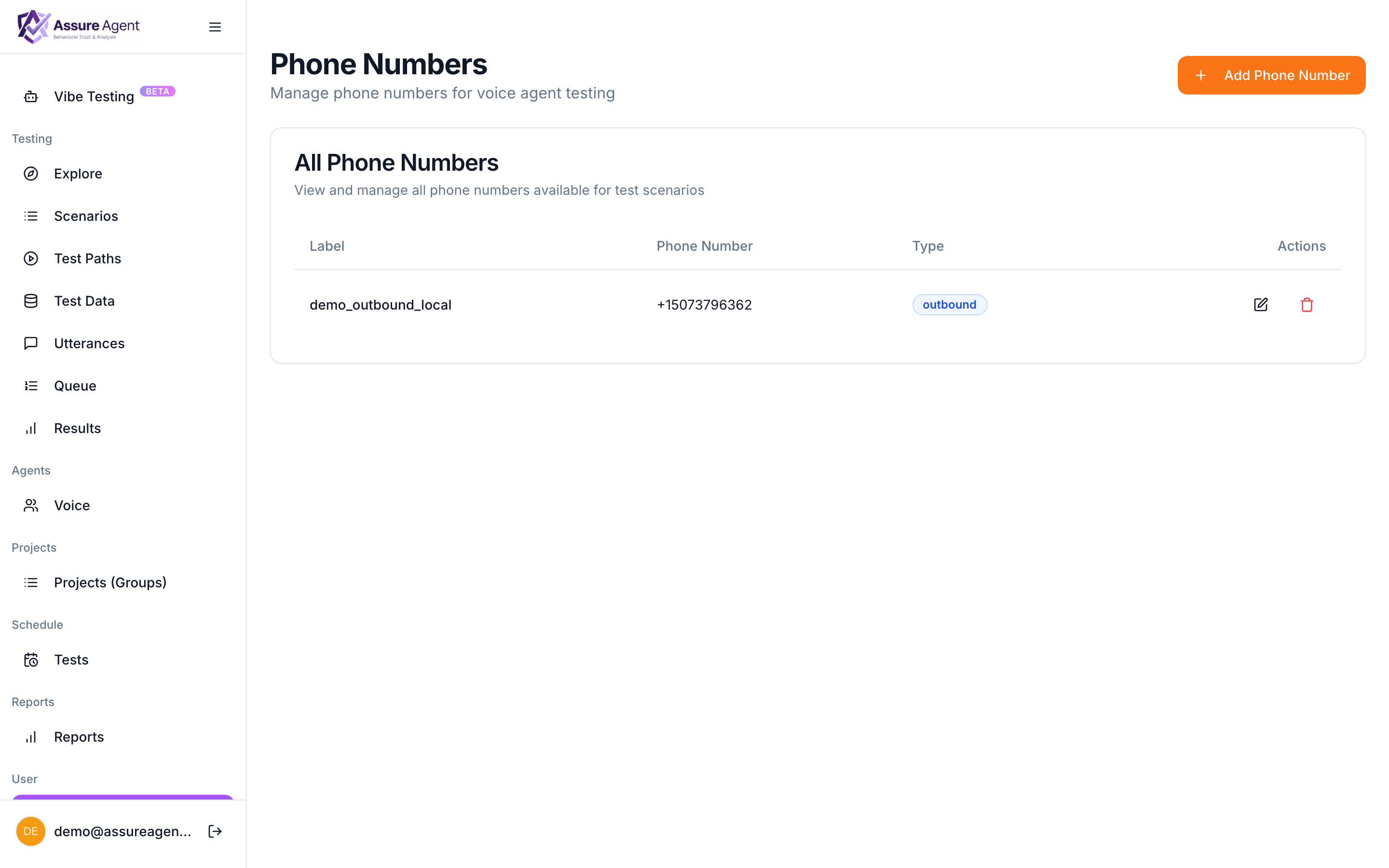
For voice tests, the AssureAgent caller needs to dial from somewhere. That somewhere is a phone number in your workspace — a real, working number that we own and route through to the test caller.
You only need one outbound number to begin. More can be added later if you want to test inbound flows or geographic distinctions.
Steps
- From the left nav, click Phone Numbers.
- Click + Provision number (or contact the AssureAgent team if self-serve provisioning isn’t enabled in your plan).
- Pick the direction:
- Outbound — used to dial out to your target. This is what most users start with.
- Inbound — answers calls placed BY your target. Use later if you’re testing outbound campaigns from your side.
- Pick a region / area code if offered.
- Save.
The number appears in the list with a health indicator. Once it’s 🟢 Active, you can attach it to scenarios.
What target sees as caller ID
The target sees the outbound number as the caller ID. If your target IVR routes based on caller ID (recognizes returning customers, blocks unknown numbers), pick a number whose pattern matches what your target expects.
How many to provision
One outbound number covers most teams. Add more when you need:
- Different caller-ID patterns for different scenario sets.
- Inbound numbers if you’re testing your target’s outbound campaigns.
- Higher concurrency than a single number’s per-minute cap.
Next: create a scenario Describe the situation you want to test in plain English.