
Generate and run test paths
A scenario describes one situation. From it, AssureAgent generates test paths — multiple alternative narratives that exercise different ways the conversation could go. You’ll generate paths, pick one, and watch a real call happen.
Step 1 — Generate test paths
- From the left nav, click Test Paths (or open your scenario from the Scenarios list and click Generate test paths).
- Pick the scenario you just created.
- Click Generate.
After 30–60 seconds you’ll see one or more path cards.
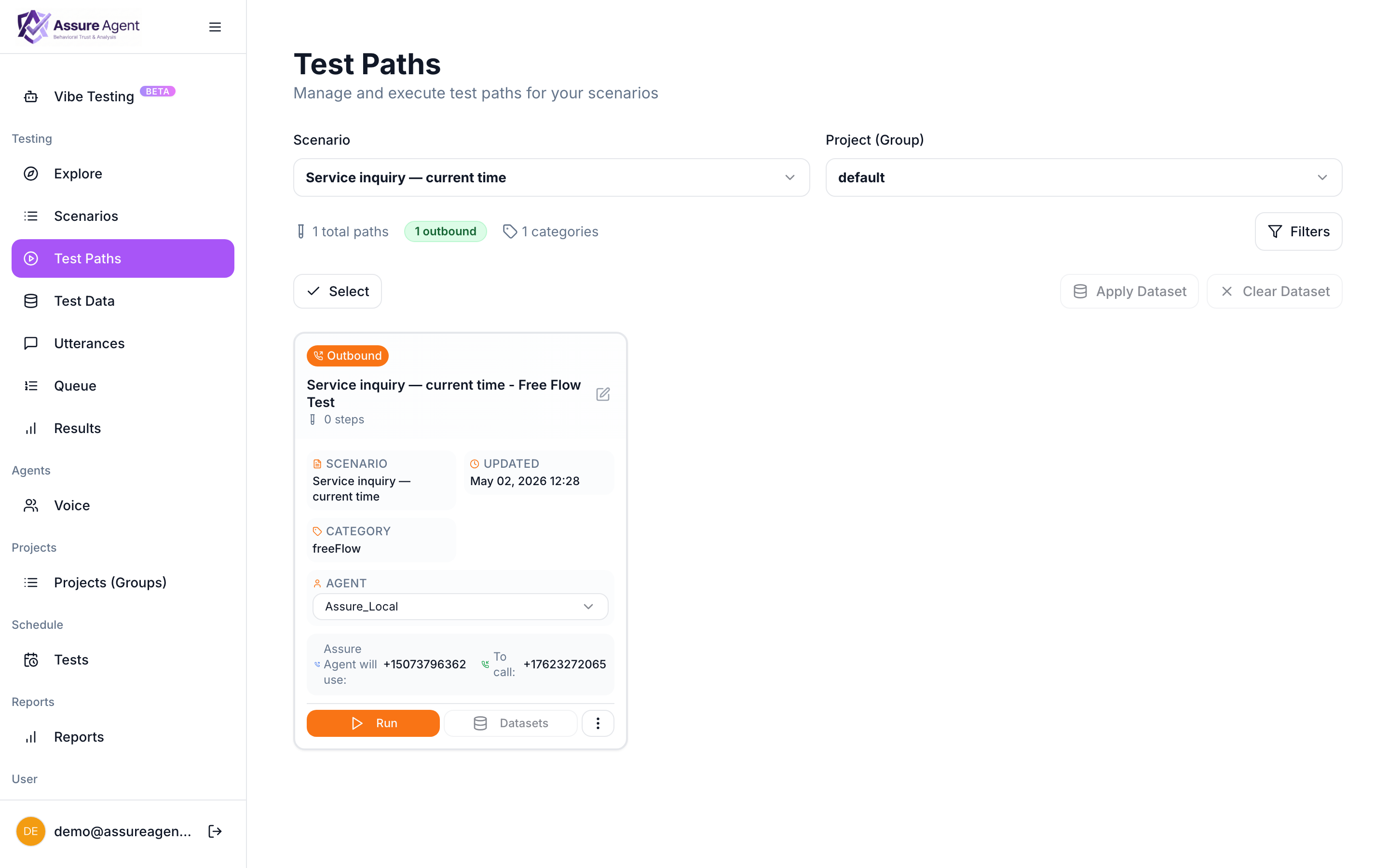
Each card has a name, a short synopsis, and a Run button.
Step 2 — Run a path
- Click Run on the path you want.
- AssureAgent places the call. You can watch the live progress on the Queue page.
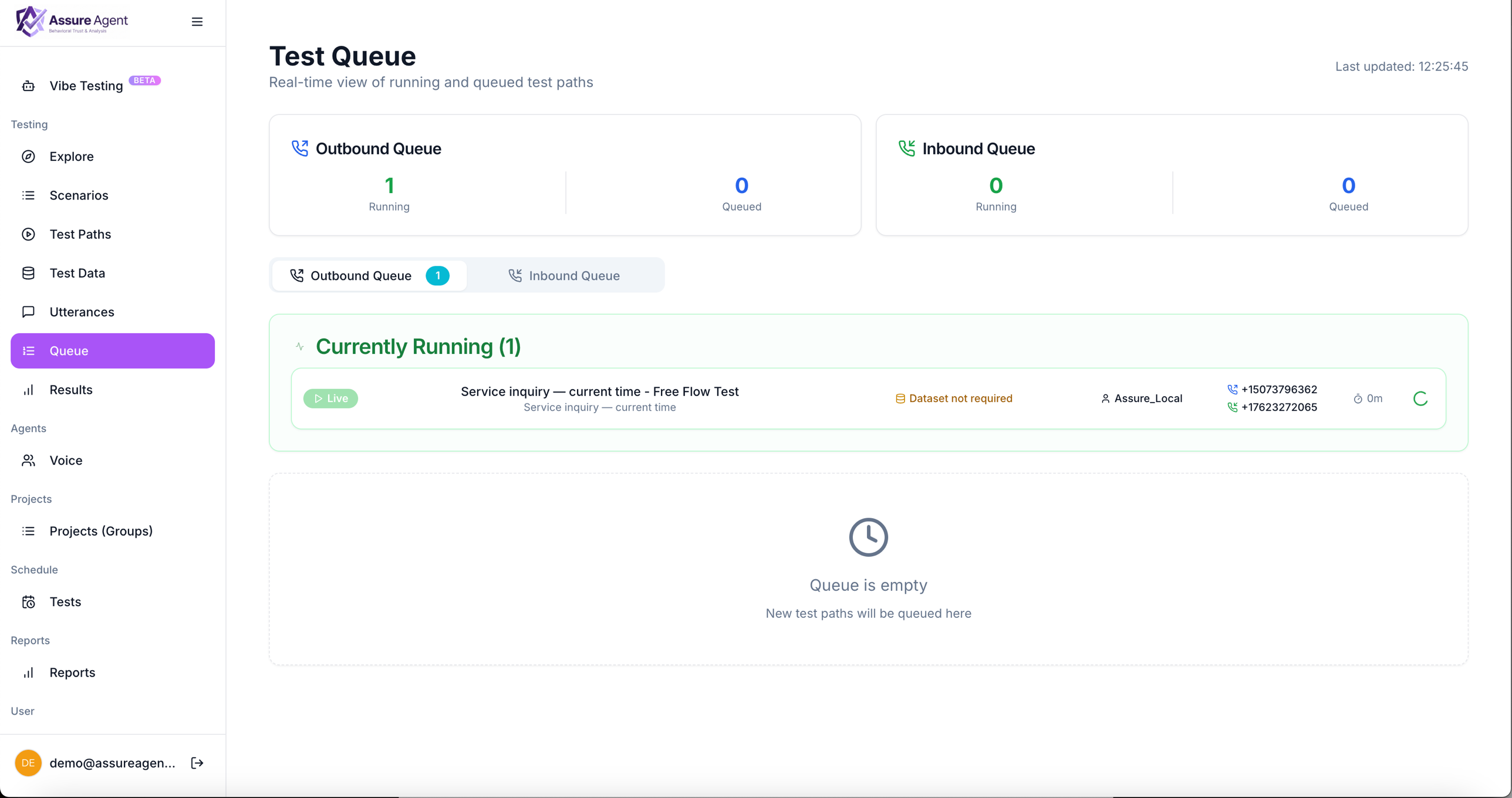
The status moves through:
| State | Meaning |
|---|---|
| Pending | Queued, waiting to start. |
| Live | Call connected. Audio + transcript are streaming in. |
| Completed | Call ended. Transcript and audio are final. The result is now viewable. |
You don’t need to keep the page open — the call continues server-side and finishes whether you watch or not. Come back to it from Test results in the left nav anytime.
What’s happening under the hood
For each path, AssureAgent materializes a caller persona from your scenario description, dials your target from the outbound number you assigned, and lets the caller LLM hold the conversation. The conversation is recorded turn-by-turn (audio + transcript) and graded against the success criteria. None of this requires you to babysit.